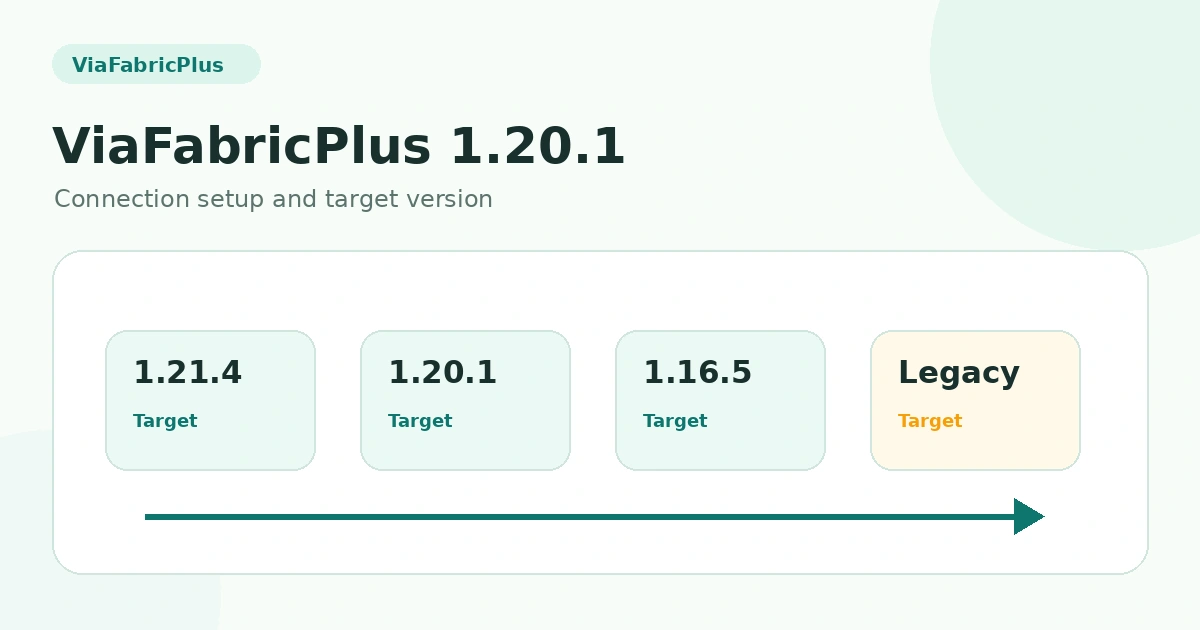
ViaFabricPlus 1.20.1 Connection Setup and Version Selection
A practical explanation of joining 1.20.1 servers with ViaFabricPlus, selecting the right target protocol, and avoiding common compatibility mistakes. This guide focuses on the practical distinction between the modern supported client, the target multiplayer server protocol and the file type you are actually installing.
Understanding the 1.20.1 use case
ViaFabricPlus 1.20.1 searches are usually about connecting a newer supported client to a server that still speaks the 1.20.1 protocol. The server remains on 1.20.1 while ViaFabricPlus adapts the client connection.
Connection setup
Start with a valid Fabric client and ViaFabricPlus release. Add the 1.20.1 server to the multiplayer list, then connect. If version detection does not match the server, choose the 1.20.1 target protocol from the controls available in your build.
Behavior differences to expect
Because the client is newer, some modern UI or rendering behavior can remain client-side even when network communication is translated. ViaFabricPlus includes compatibility fixes, but it does not make every part of the client binary-identical to Minecraft 1.20.1.
Why a connection can fail
Server proxies, custom network plugins, strict anti-cheat and other protocol translators can introduce extra layers. A server may also block unusual client behavior even when the base Minecraft protocol is translated correctly.
Best troubleshooting order
Confirm the ViaFabricPlus release supports your current client, verify Fabric, reduce the mod list, target 1.20.1 explicitly when necessary, and test the server again. This sequence isolates the most common local causes before you investigate server-specific rules.
Related guides
For a complete overview, return to the ViaFabricPlus compatibility section or browse all ViaFabricPlus guides.