ViaFabricPlus Installation and Setup for Fabric
Install and configure ViaFabricPlus on the newest supported Minecraft client using Fabric, then prepare it for cross-version multiplayer connections. This guide focuses on the practical distinction between the modern supported client, the target multiplayer server protocol and the file type you are actually installing.
What you need before installation
ViaFabricPlus is intended for the newest Minecraft client version supported by the release and runs in a Fabric client environment. The key preparation step is matching the client version, Fabric environment and ViaFabricPlus build. A mismatch at any one of these layers can cause startup errors or make the mod appear missing.
Source ZIP versus mod JAR
The primary download URL supplied for this website points to a ZIP archive of the ver/26.2 source branch. That archive contains project source material. For normal in-game loading, Minecraft needs a compatible compiled mod JAR placed in the mods folder; a source ZIP is not a drop-in mod file.
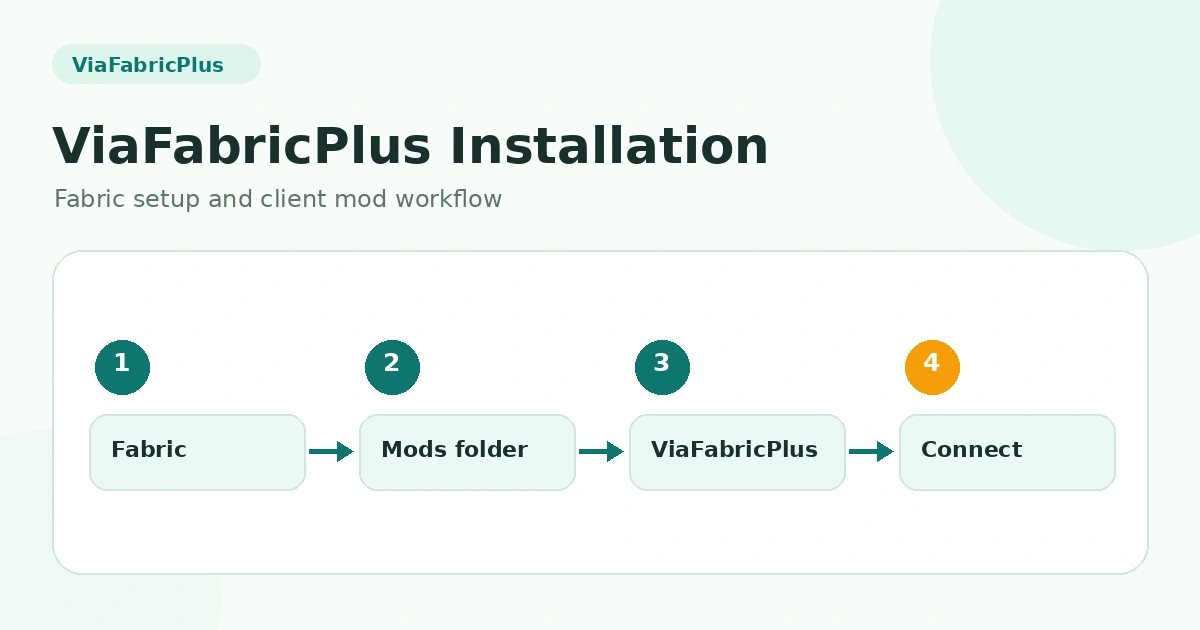
Step-by-step setup
- Launch the newest client version supported by your chosen ViaFabricPlus release.
- Prepare a Fabric environment for that same client version.
- Place the compatible ViaFabricPlus mod JAR in the .minecraft/mods folder.
- Keep other client mods minimal for the first launch.
- Start the Fabric profile and confirm the mod loads before joining a server.
First multiplayer connection
After the client starts successfully, connect to the multiplayer server you want to test. ViaFabricPlus is designed to translate toward older protocols. If automatic handling does not match the server you are joining, use the version-selection controls available in your installed release and choose the intended server protocol.
Common setup mistakes
Frequent problems include placing a ZIP instead of a JAR in the mods directory, using an outdated client for a release that expects the newest supported version, mixing Fabric components from different Minecraft versions, or loading multiple protocol/network mods that change the same connection behavior.
Related guides
For a complete overview, return to the ViaFabricPlus compatibility section or browse all ViaFabricPlus guides.