ViaFabricPlus 1.21.4 Server Compatibility Explained
Understand how ViaFabricPlus approaches Minecraft 1.21.4 server connections from a current supported client and what users should verify before joining. This guide focuses on the practical distinction between the modern supported client, the target multiplayer server protocol and the file type you are actually installing.
What “ViaFabricPlus 1.21.4” usually means
This search normally refers to joining a Minecraft 1.21.4 server through ViaFabricPlus. It does not necessarily mean you should launch a Minecraft 1.21.4 client. The official project direction is to run the newest client supported by the ViaFabricPlus release and translate the multiplayer connection toward the target server protocol.
Targeting a 1.21.4 server
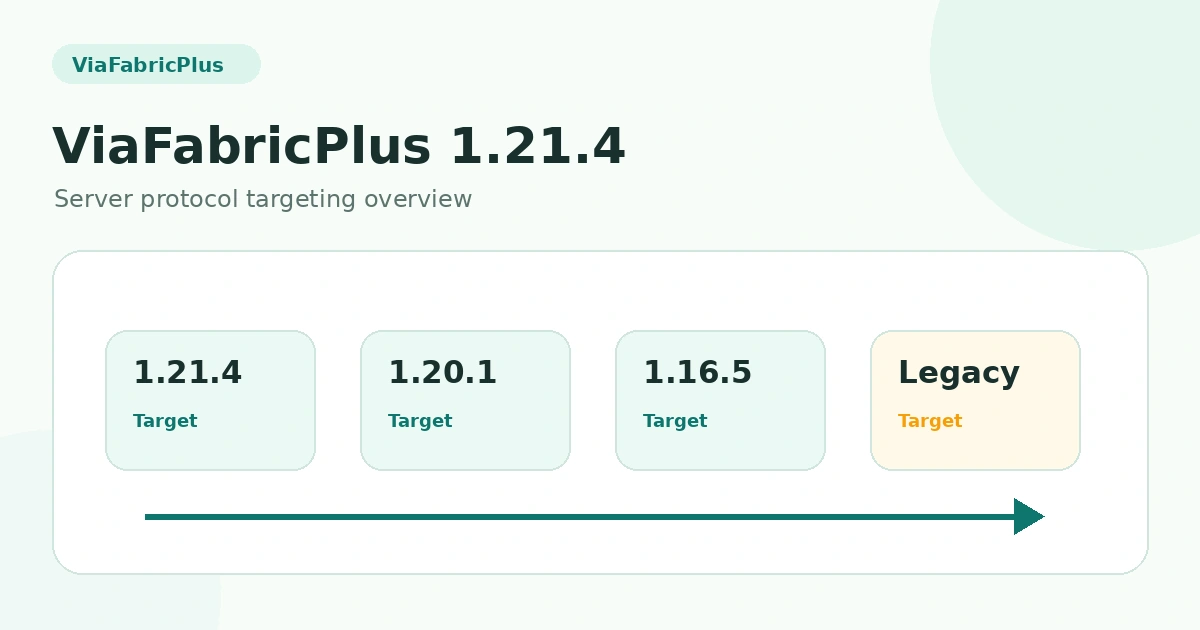
Use a ViaFabricPlus release that includes the 1.21.4 server protocol in its supported range. Launch the supported modern client through Fabric, select the server normally, and use explicit version targeting if the server is not detected as expected.
What can still differ
Protocol compatibility is not identical to running the native 1.21.4 client. Small differences can remain in movement, visuals, interactions or server-specific behavior, especially when the server uses custom plugins or protocol-aware anti-cheat.
Resource packs and server content
ViaFabricPlus does not provide cross-version support for older resource packs. If the server relies on version-specific assets, treat those as a separate compatibility layer rather than assuming protocol translation will convert them.
Troubleshooting 1.21.4 connections
If a 1.21.4 server will not accept the connection, check the target protocol, the ViaFabricPlus release, the Fabric environment and server-specific restrictions. Test with a minimal mod set to separate a ViaFabricPlus issue from another client mod conflict.
Related guides
For a complete overview, return to the ViaFabricPlus compatibility section or browse all ViaFabricPlus guides.