ViaFabricPlus Troubleshooting for Connection and Protocol Issues
Fix common ViaFabricPlus problems by checking client version, Fabric setup, target protocol, conflicting mods, server rules, and anti-cheat behavior. This guide focuses on the practical distinction between the modern supported client, the target multiplayer server protocol and the file type you are actually installing.
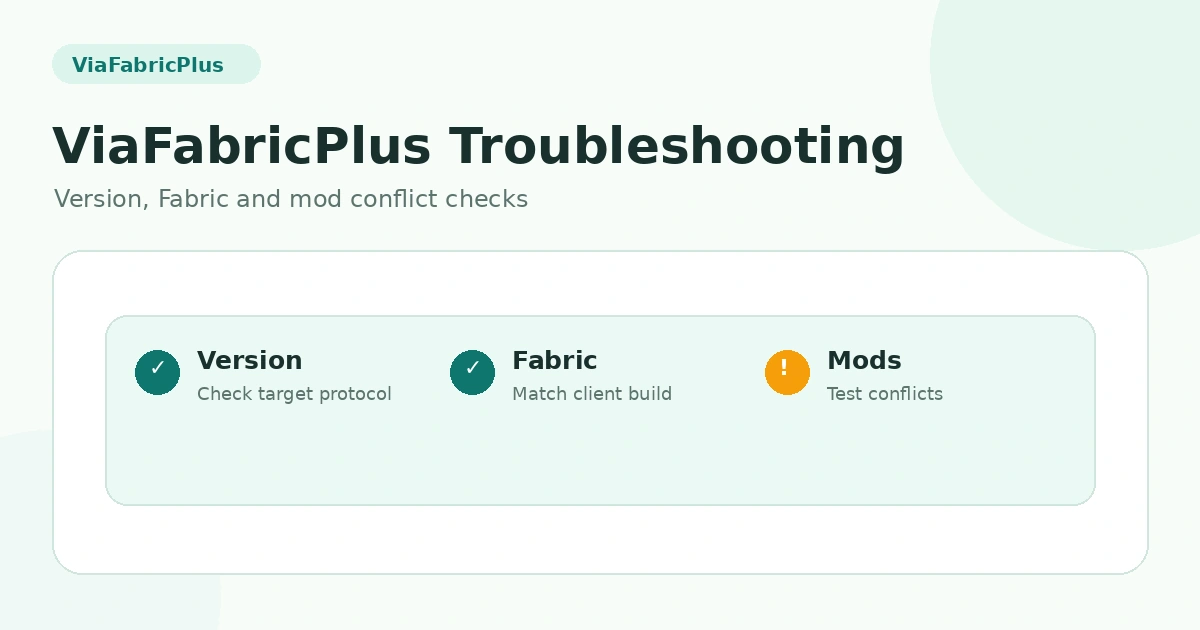
Start with the correct client version
Current ViaFabricPlus project guidance is to use the newest Minecraft client version supported by the release. If you start from an older client, you can create compatibility problems before the mod even tries to connect.
Confirm the installed file type
A source ZIP is not a normal runtime mod. If ViaFabricPlus does not appear at launch, confirm that the mods folder contains a compatible compiled JAR and not the ver/26.2 source archive supplied by this website.
Reduce conflicting mods
Network, protocol, movement, rendering or optimization mods can change related behavior. Test ViaFabricPlus with a minimal client mod set, then add other mods back gradually to identify conflicts.
Check the target protocol
If the server version is known, make sure ViaFabricPlus is targeting the matching protocol when automatic detection is not enough. Using the wrong target can produce connection errors or strange gameplay behavior.
Consider server-side restrictions
A correct local setup can still fail on one server. Custom proxies, plugins, anti-cheat or server policy may reject translated clients. Test another allowed server or ask the server operator about permitted client mods without attempting to bypass restrictions.
Review resource-pack expectations
Older server resource packs are not cross-version translated by ViaFabricPlus. A connection may be technically successful while visual content remains incompatible or incomplete.
Related guides
For a complete overview, return to the ViaFabricPlus compatibility section or browse all ViaFabricPlus guides.