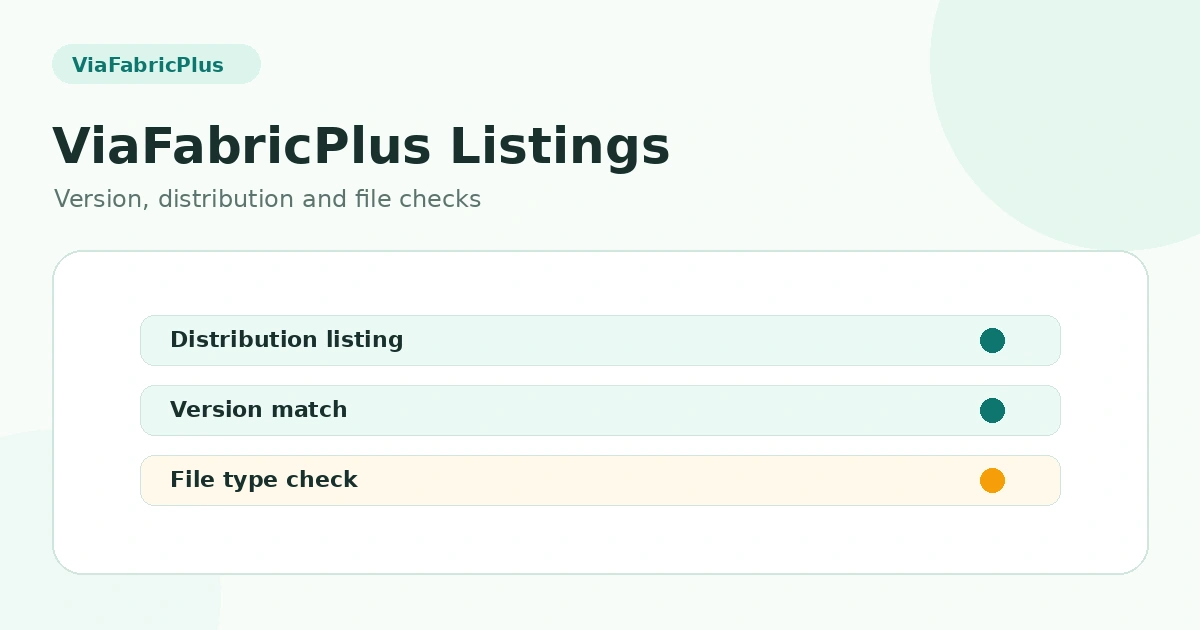
ViaFabricPlus Modrinth and CurseForge Listings Explained
Compare the role of ViaFabricPlus project listings on Modrinth and CurseForge without confusing listing pages, release files, and source archives. This guide focuses on the practical distinction between the modern supported client, the target multiplayer server protocol and the file type you are actually installing.
What project listing pages are for
Modrinth and CurseForge can host project pages, release files, version filters and metadata. Those listing pages are different from a GitHub source branch archive, even when all of them refer to ViaFabricPlus.
Do not confuse loader labels with official support
Search listings and third-party metadata can sometimes present categories in ways that are easy to misread. The ViaFabricPlus project documentation itself states that the mod runs on Fabric and that a Forge or NeoForge version is not planned.
Release file versus source archive
A release listing commonly offers built files intended for players, while a source archive contains the project code for a branch or tag. Check the file type and client version before installing anything into the mods directory.
Version filters and target servers are different
A listing filter for the Minecraft client version is not the same thing as the older server protocol you want to join. ViaFabricPlus uses a supported modern client while targeting older server versions during multiplayer connections.
Why this website avoids external listing links
This site keeps navigation internal and provides only the single supplied main download URL. Its guides explain the distinctions so users can understand file types without adding third-party listing links.
Related guides
For a complete overview, return to the ViaFabricPlus compatibility section or browse all ViaFabricPlus guides.